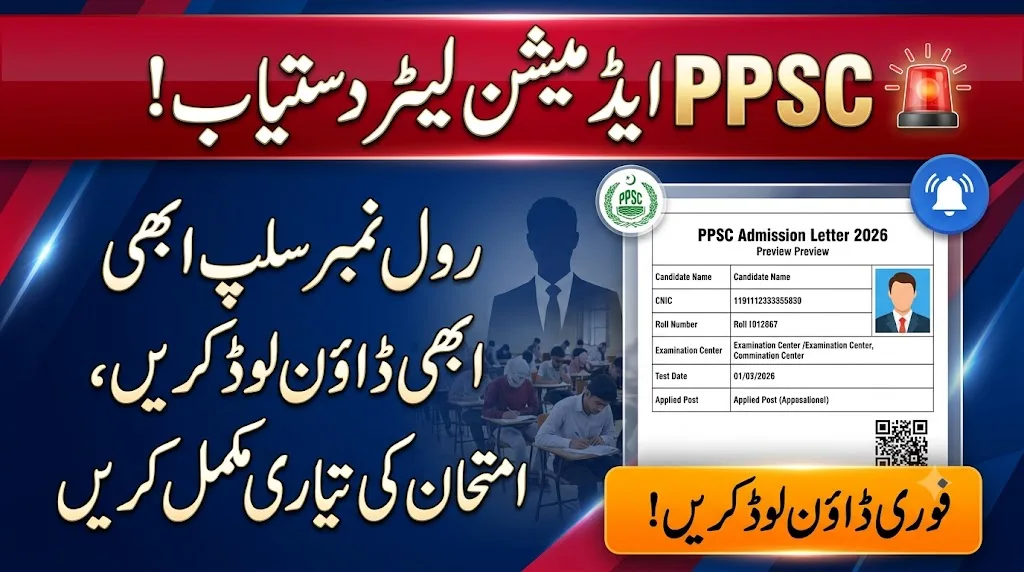
PPSC Roll Number Slip 2026 Download By CNIC: Complete Step-by-Step Guide
If you’ve applied for a government job through the Punjab Public Service Commission and your test date is approaching, there’s one thing you absolutely cannot forget. Your PPSC Roll Number Slip 2026 Download By CNIC is the single most important document you need before walking into any PPSC examination hall. Without it, entry is refused regardless of how well prepared you are. This guide explains exactly how to download your slip online, what details to check on it, and what to do if something goes wrong.
The Punjab Public Service Commission Roll No Slip is your official admission letter for any written test, screening test, or physical test conducted by PPSC. It carries your roll number, test date, test time, examination center address, post applied for, and your personal identification details. Every single piece of information on this slip is important. A wrong test center or incorrect date can completely derail your exam day if you don’t spot it early.
The slip is also called an Admission Letter in some official PPSC communications. Both names refer to the same document. Whether you hear it called a PPSC Roll No Slip or an admission letter, you need the same thing downloaded and printed before your exam.
PPSC Roll Number Slip 2026 Key Information
| Detail | Information |
|---|---|
| Issuing Authority | Punjab Public Service Commission (PPSC) |
| Official Website | www.ppsc.gop.pk |
| Download Method | By CNIC, Name, or Roll Number |
| Slip Format | Downloadable PDF |
| Test Types Covered | Written, Screening, Physical, Driving |
| Document Also Called | Admission Letter |
| Mandatory on Test Day | Yes, without exception |
| Current Active Slips | PMS Written Test and Multiple Department Posts |
Who Needs To Download the PPSC Roll Number Slip?
Every candidate who has applied for any post through PPSC and received a test date needs to download their slip before appearing. This includes applicants for:
- Provincial Management Service (PMS) written test candidates
- Applicants for posts in the Punjab Education Department
- Candidates for health sector and hospital administration positions
- Screening test applicants across multiple Punjab government departments
- Physical test candidates for law enforcement-related posts
- Driving test candidates for transport department positions
- All other recruitment tests scheduled through PPSC for 2026
If you applied and paid your fee but haven’t checked for your slip yet, do it now. Slips go live close to the test date, sometimes only a week or two in advance.
Also Read: Pak Army Slip
PPSC Roll No Slip 2026 Download By CNIC: Step-by-Step Process
The process is completely digital and takes only a few minutes. Follow these steps carefully from start to finish.
Step 1: Open your internet browser on any device and go to the official PPSC website at www.ppsc.gop.pk. This is the only official portal where genuine slips are available. Do not trust unofficial websites or social media pages claiming to offer slip downloads.
Step 2: Look for the Roll No Slip or Admission Letter section on the homepage. It’s usually prominently placed when active test slips are available for download.
Step 3: Click on the Roll No Slip download option. A search page will open with multiple search methods available.
Step 4: Select the search method that works best for you. The PPSC Roll number slip by CNIC method is the most reliable. Enter your complete 13-digit CNIC number without any dashes or spaces.
Step 5: If searching by name, type your full name exactly as it was entered on your original PPSC application form. Spelling variations can cause the system to return no results, so be precise.
Step 6: Select the post you applied for from the dropdown if the system requests this additional information.
Step 7: Click the Search or Submit button. Your Punjab Public Service Commission Roll No Slip will appear on the screen within seconds.
Step 8: Review every detail on the slip carefully. Check your name, roll number, test center, exam date, and start time.
Step 9: Download the slip as a PDF and print at least two copies. Keep one at home and carry one to the exam.
What If Your Slip Isn’t Showing on the Portal?
This happens occasionally and there are a few common causes. Your CNIC number may have been entered incorrectly during registration, which causes a mismatch in the system. Your application fee payment may not have been confirmed or processed properly. Your application may still be under review if submitted close to the deadline. Or the slip for your particular post may not have been uploaded yet if your test date is still several weeks away.
Try searching by your name instead of CNIC if one method fails. If neither works, call the PPSC helpline directly with your application reference number and fee payment receipt ready.